Organize Better
A vast amount of organization possibilities allow you to manage your bookmarks better.
FavSync will even do a part of it automatically
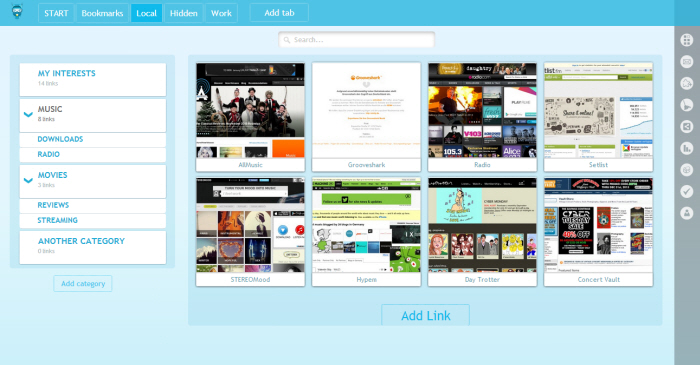


Automatic categorization of bookmarks

Pages, categories, subcategories, and sublinks

Tags

Different pages for different purposes

Export to HTML/Excel
View it your way
Seeing your bookmarks in a clear way is important
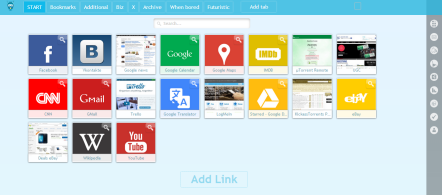
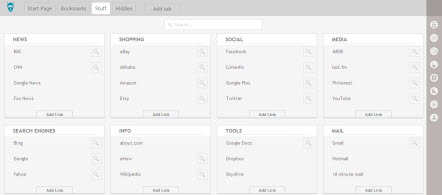
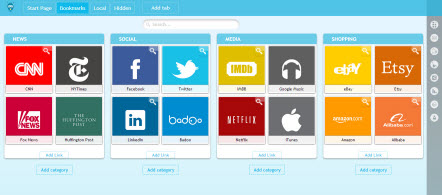
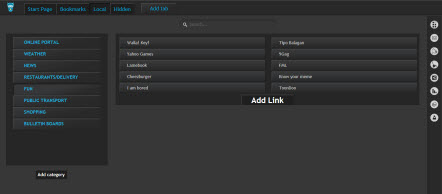

Biggest choice of layouts

Thumbs and icons

View as a tree or dashboard

Different sizes

Sort manually, alphabetically or by date
A cloud service
Cloud is the future. Don't stay behind.
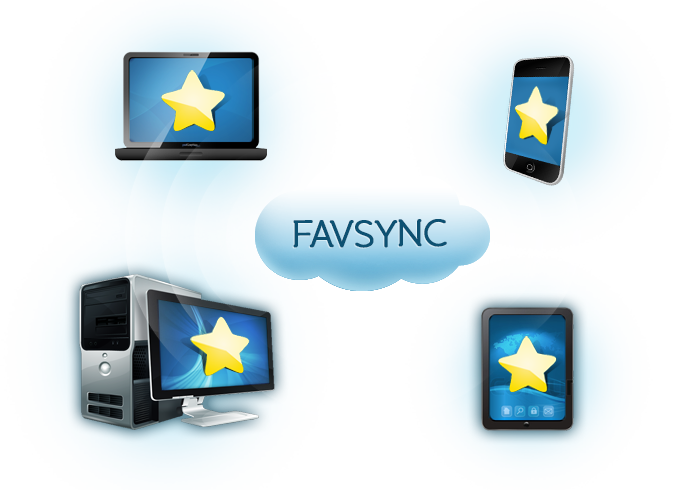


Access from anywhere

Any browser, any device

Nothing to install, just login

Bookmarks are safe on FavSync
FavSync add-on
A full integration with your browser
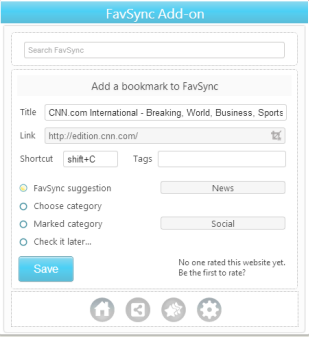
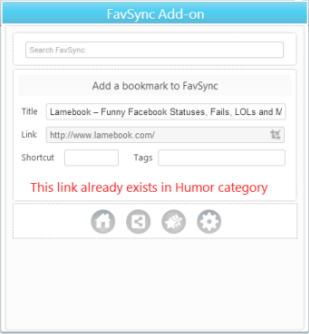
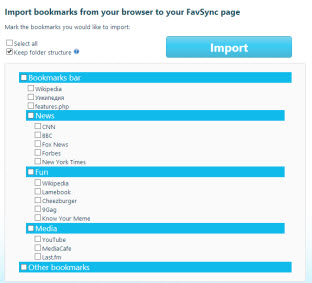

Add bookmarks on the go

Suggested category

Import bookmarks

Imported bookmarks automatically organized

Open bookmarks through add-on
Share and Sync with other users
A shared category is automatically shared between all the category members, if any bookmarks is added, edited or removed


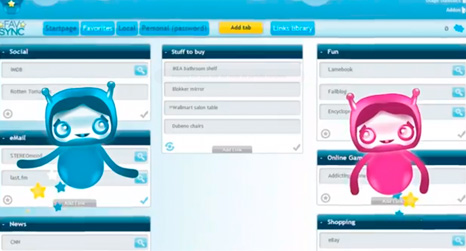

Collect bookmarks together

No more e-mails

Set permissions

Unique service
Search with fewer clicks
Directly search inside the bookmark without opening it, by pressing on the search icon next to it
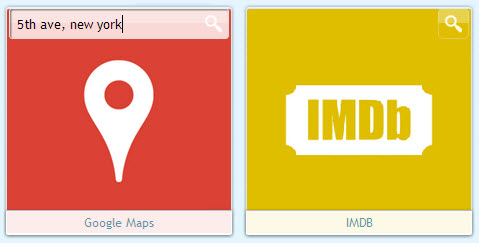

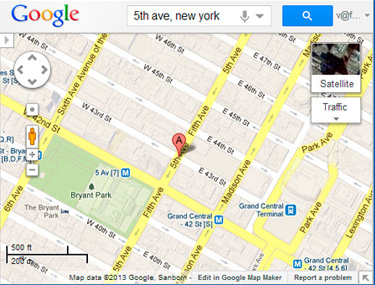


Directly search inside websites

Works with any searchable website

Ever from the address bar or the add-on
Speed dial your bookmarks
Why type when you can speed dial?
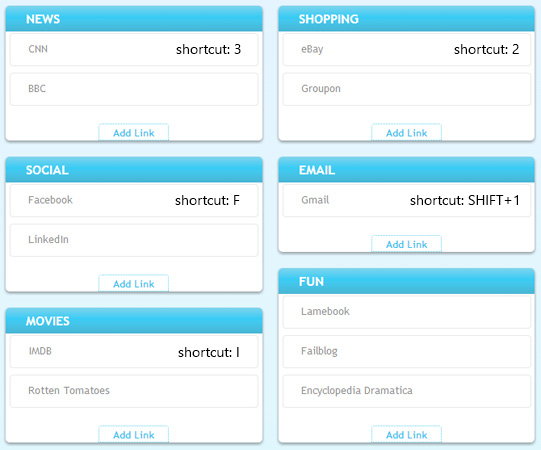

One/two key shortcuts

Access shortcuts from the address bar or the add-on

Super Fast Access
Access bookmarks from the address bar
No need to change habbits. As you type in your address bar, results from FavSync will appear




FavSync bookmarks, tags and shortcuts together

Browser results are included

And even Google autosuggest
Integrated into your browser New tab
FavSync syncs your most used bookmarks with the browsers' New Tab and provides it with more functionality
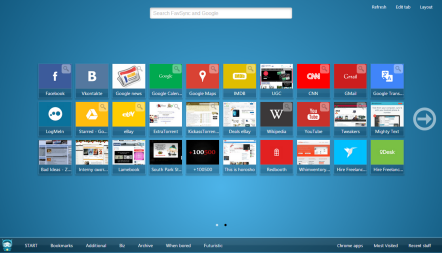
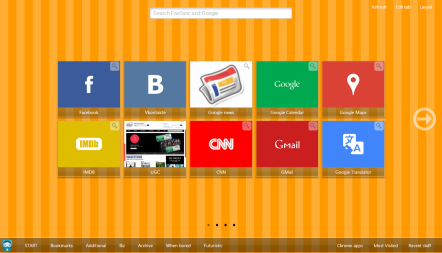
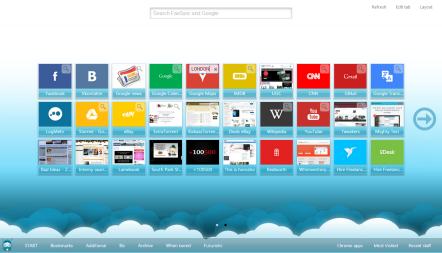
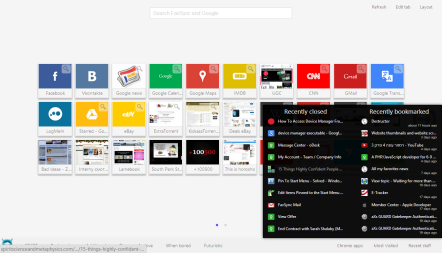


Set your own most used bookmarks

No limit on the amount of bookmarks

Synced with FavSync on the cloud

Customizable layouts and skins

Search inside the bookmarks

Recently bookmarked/closed
Merged with Google results
FavSync results integrated directly into your Google results
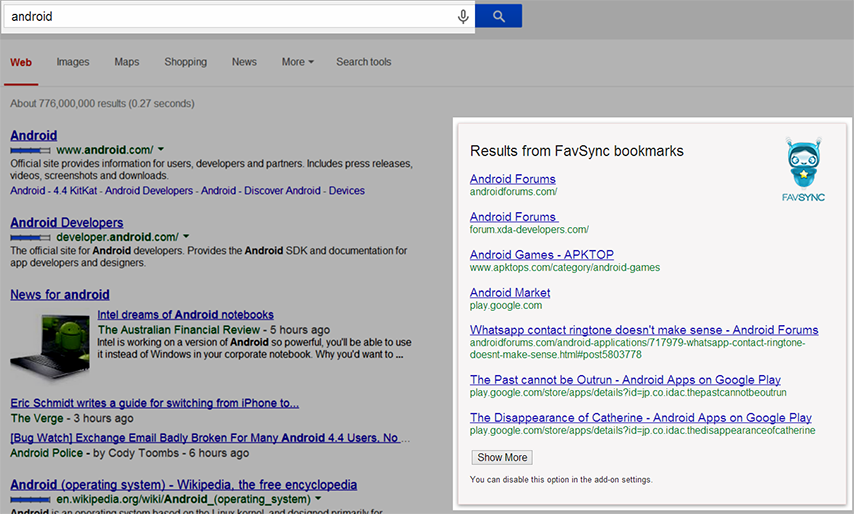


Results from your bookmarks appear automatically

Suggests results that might be relevant
Keep it clean
Short lists of bookmarks help you find what you need faster

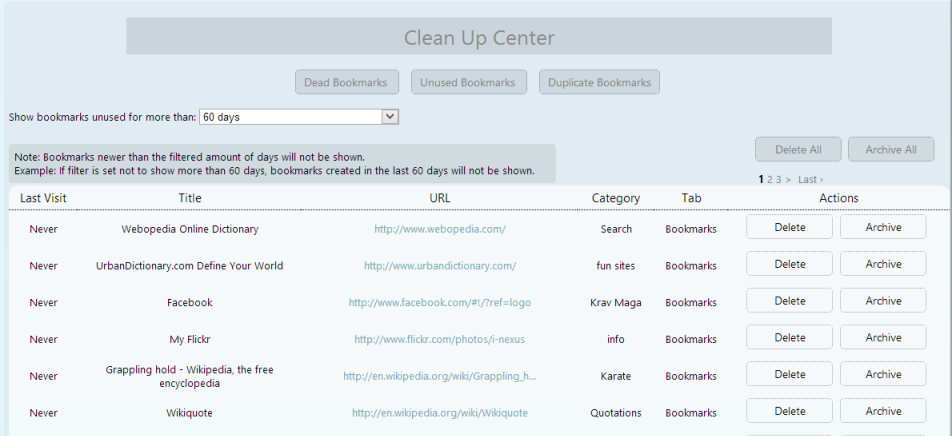

Archive instead of deleting

Auto Archive after 1 week

Clean dead bookmarks

Clean duplicates

Clean unused bookmarks
Hide sensitive stuff
Some things should stay personal...
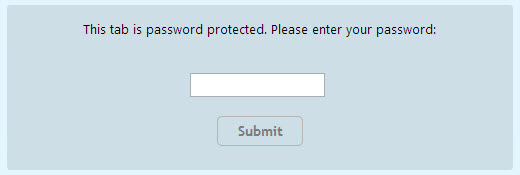
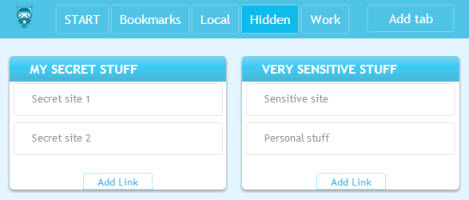

Password protect private bookmarks

Encrypted data to hide access even from us
Publish your bookmarks collections
Show or discover great bookmarks collections. Optionally, promote your own brand/website.
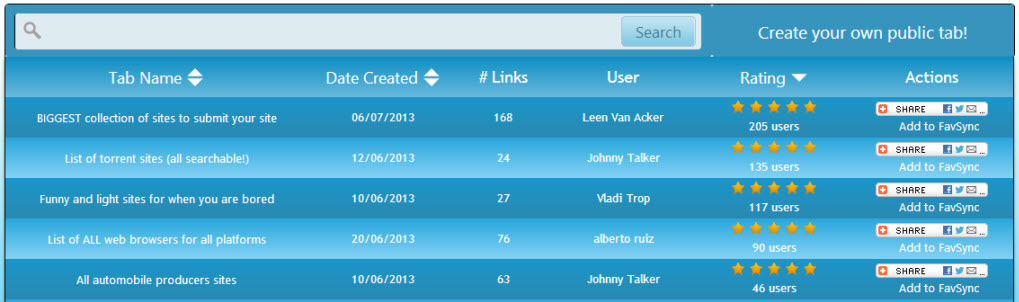
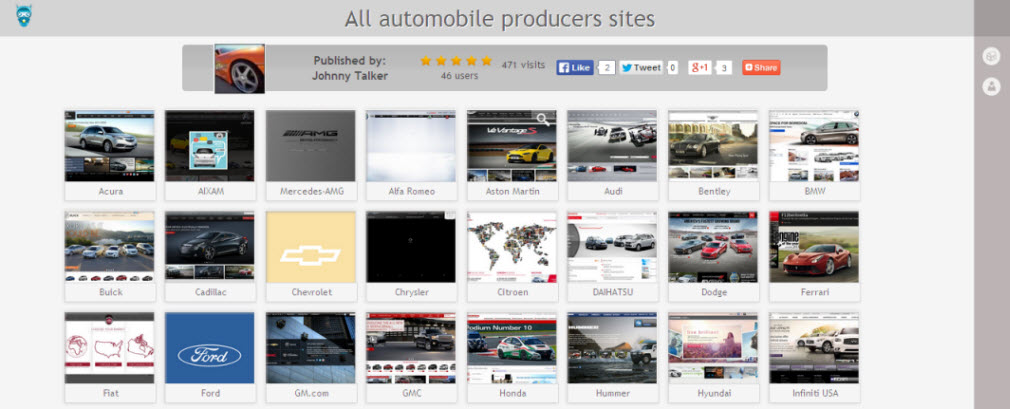

Store public bookmarks in a public page

Optionally allow others to add bookmarks

Discover other great public pages

Add your logo and backlink

Appear in Google results
Share and get notified
Share any website on the go


Popular social networks

FavSync email/Personal email

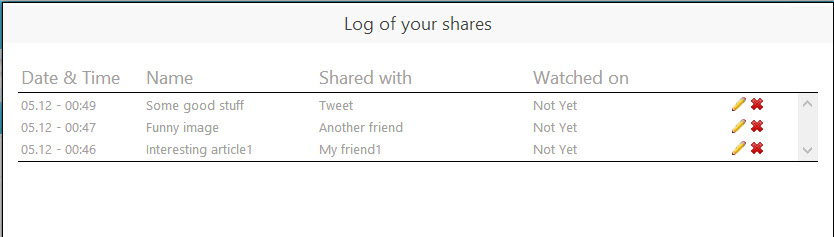
Get notified when opened

Keep track of your shares
Optimized for mobile
Optimized to fit any screen and allows you to choose only the relevant bookmarks for your phone
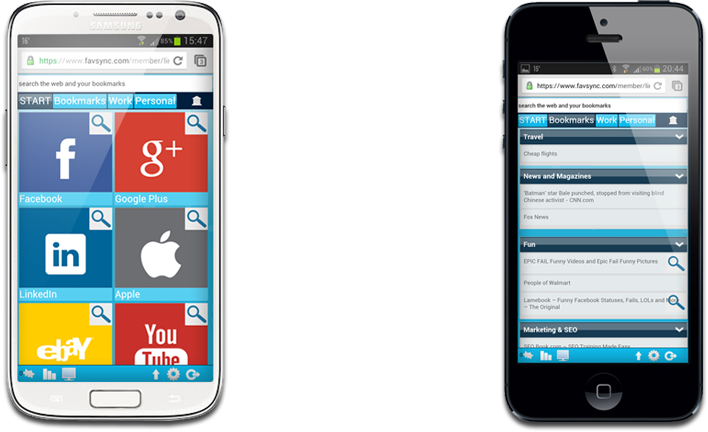

Mobile optimized UI

Hide unnecessary bookmarks