You are using an outdated version of your browser. Please upgrade to the latest version in order to continue.
Supported browsers:
Mozilla Firefox 6+
Google Chrome 15+
Internet Explorer 9+
Safari
Opera
Supported browsers:
Mozilla Firefox 6+
Google Chrome 15+
Internet Explorer 9+
Safari
Opera
FavSync
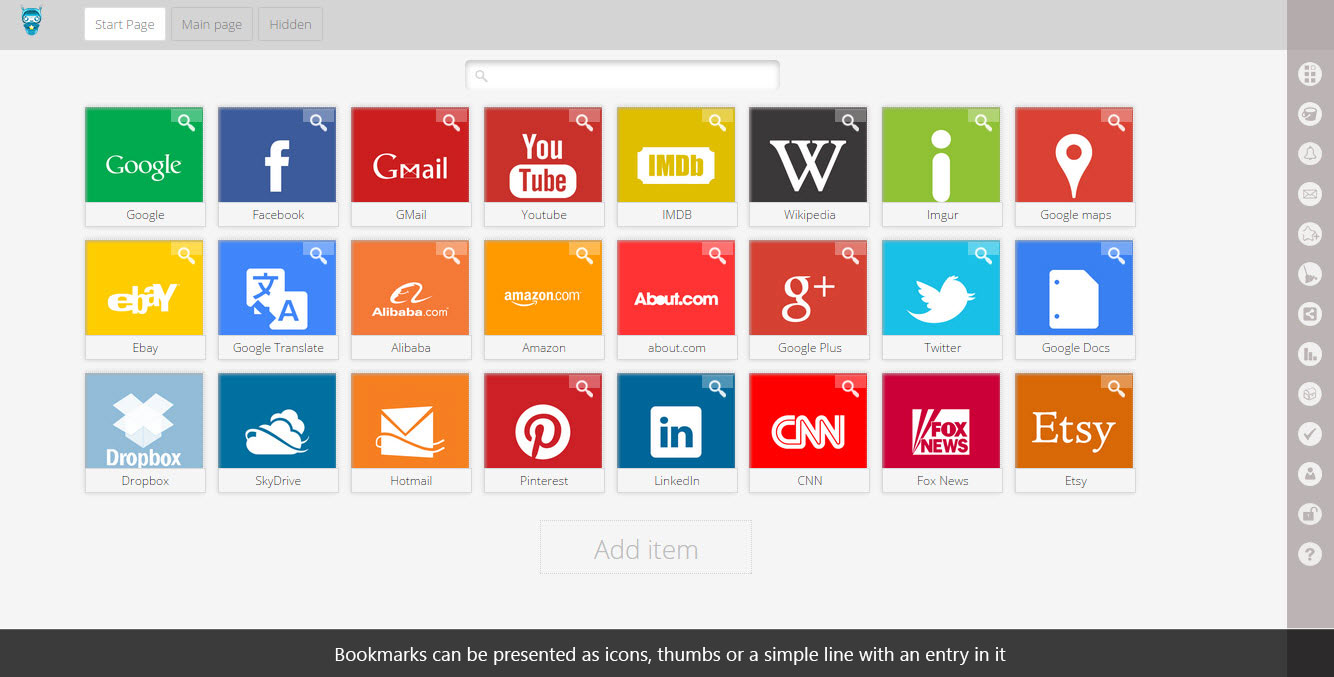
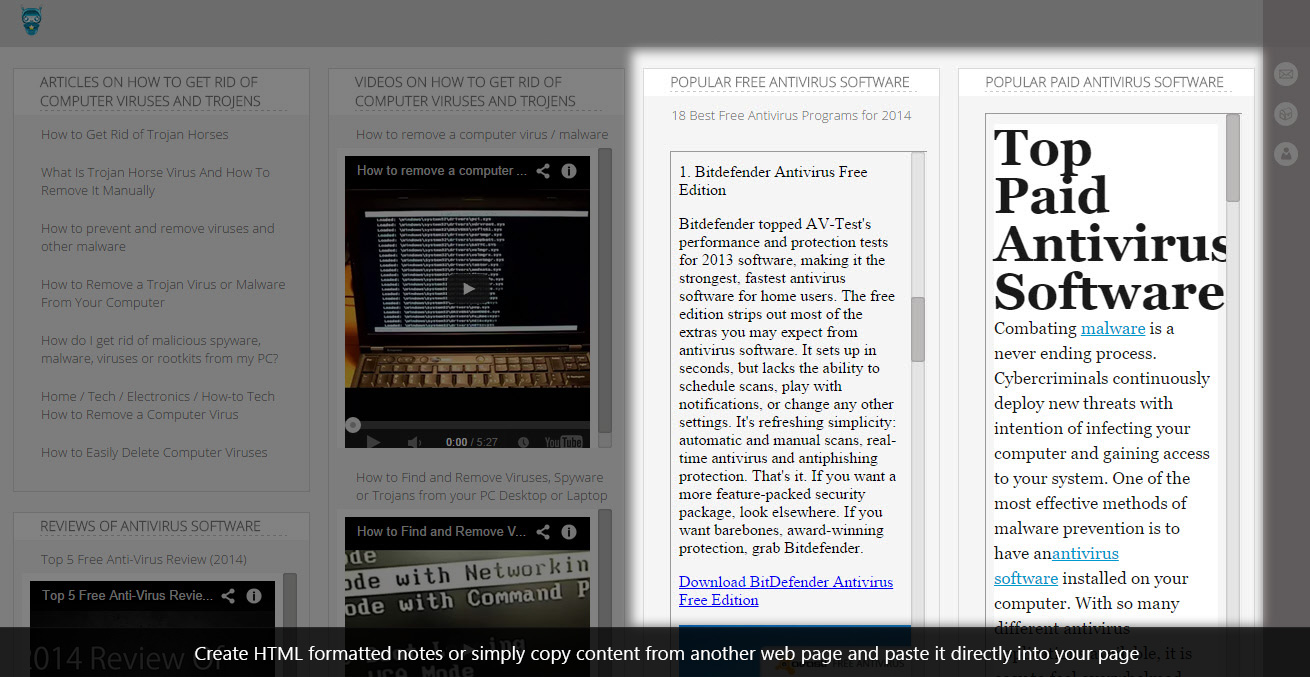
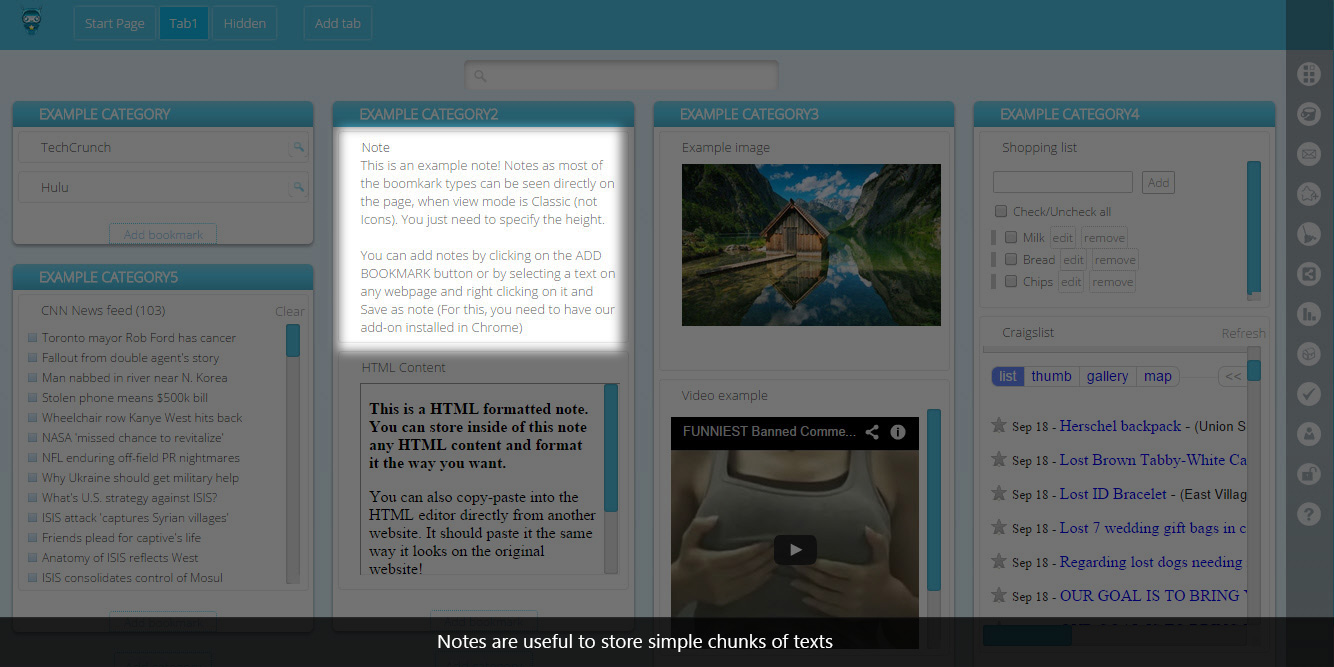
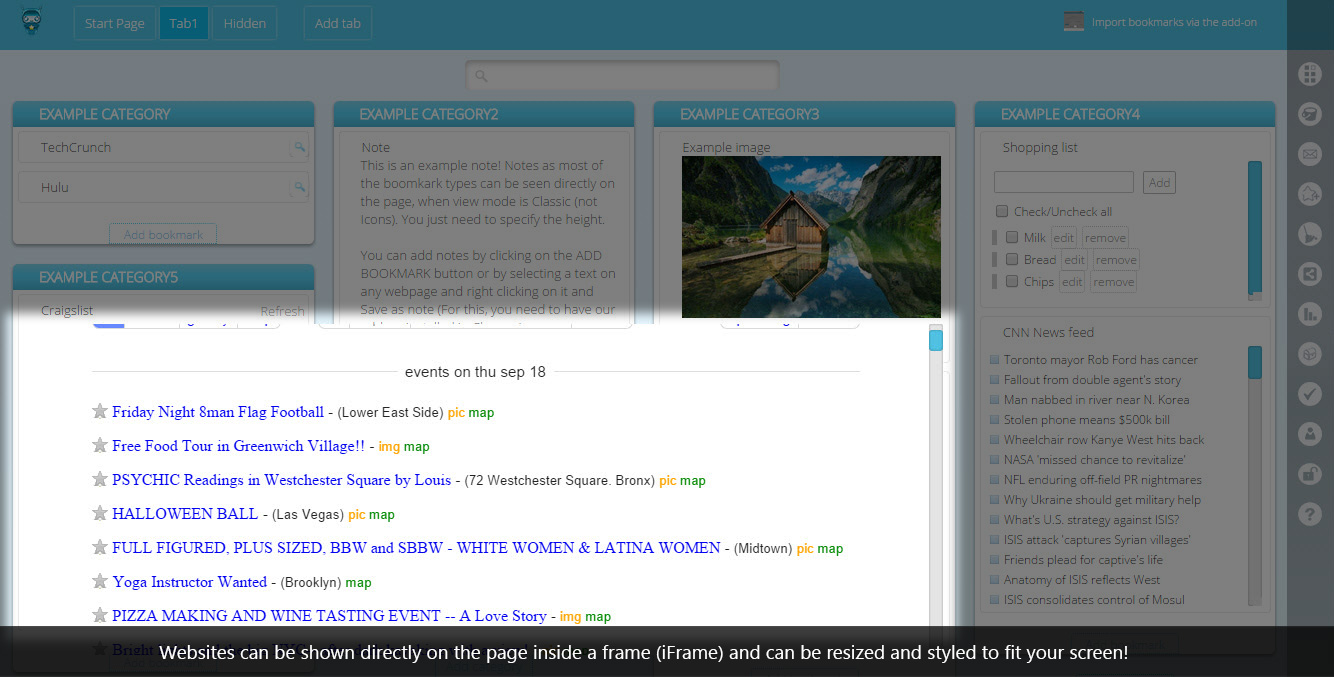
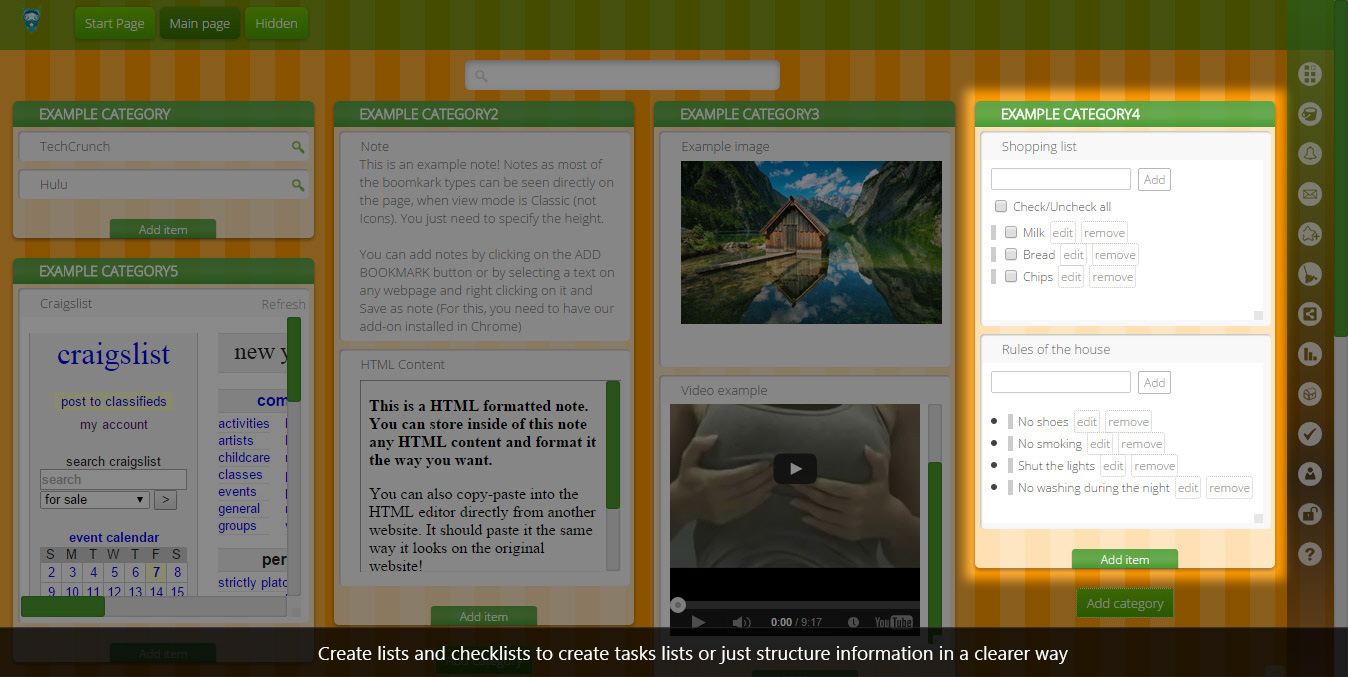
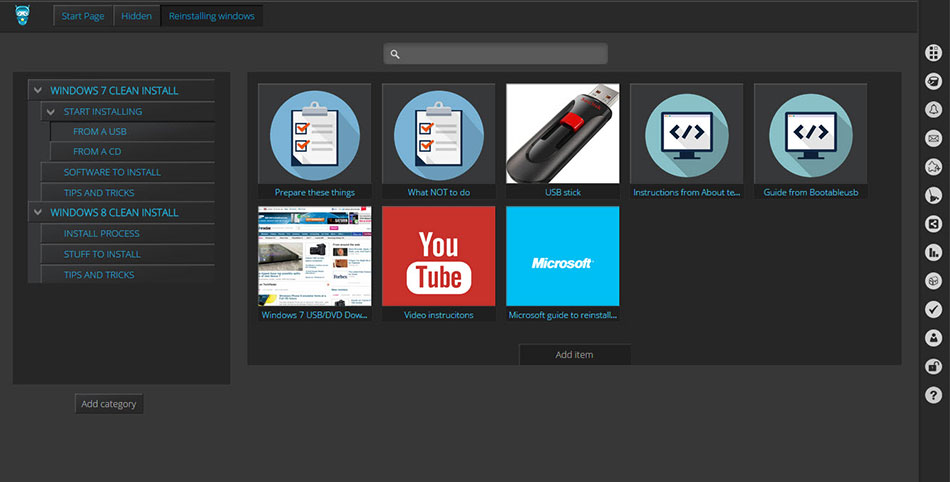
FavSync creates a portal on the web that allows you to store any type of content in it
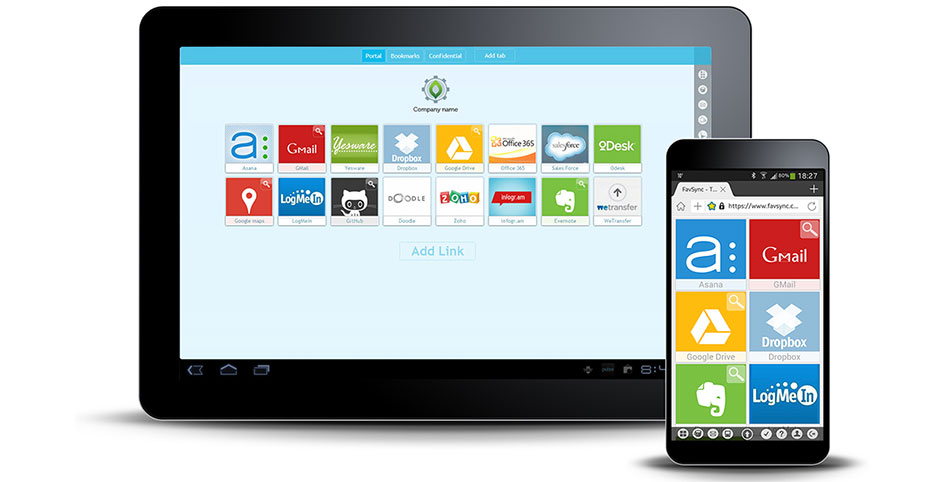
It is completely customizable and is accessible from anywhere and any device
SCROLL DOWN
Choose the portal that suits you the most

FavSync Portal
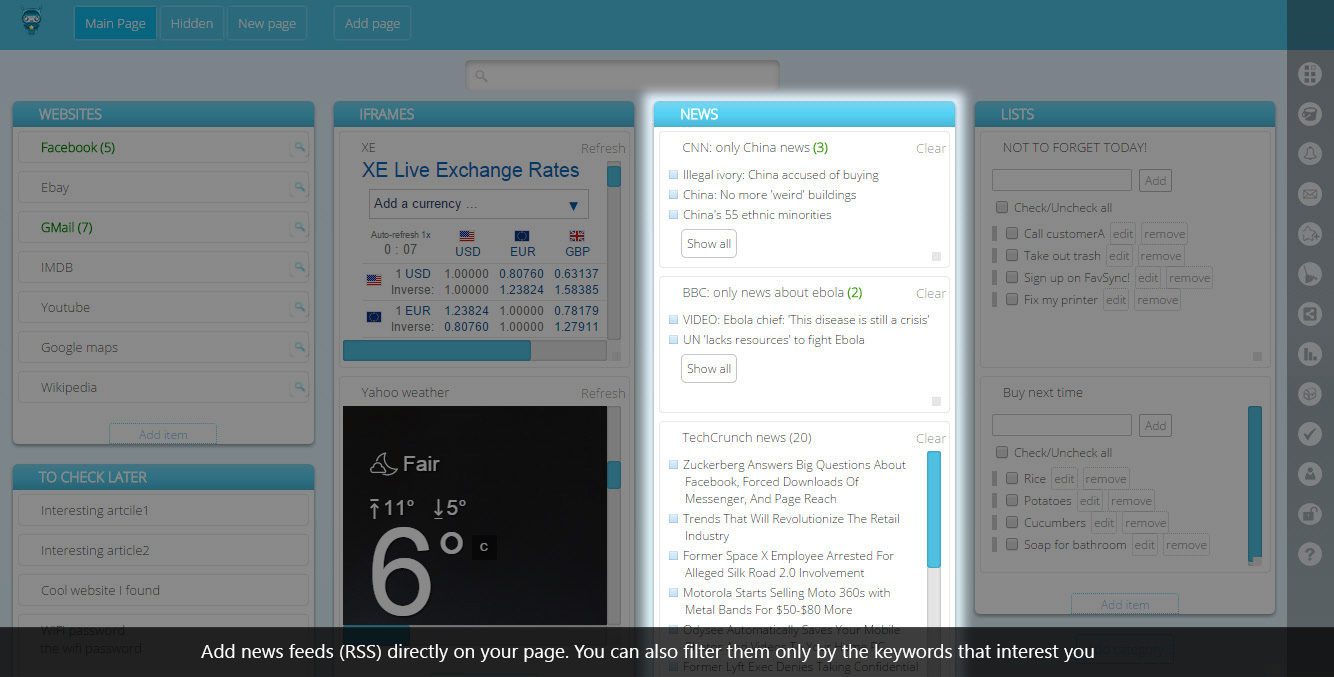
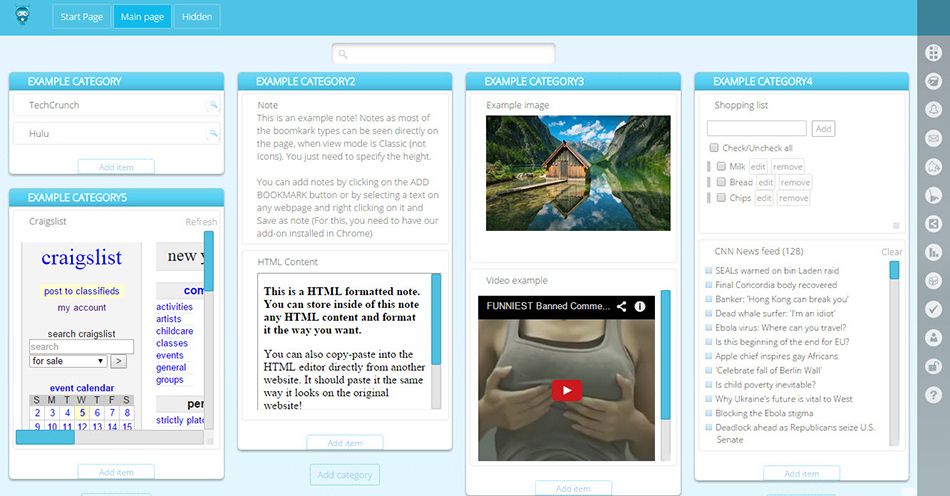
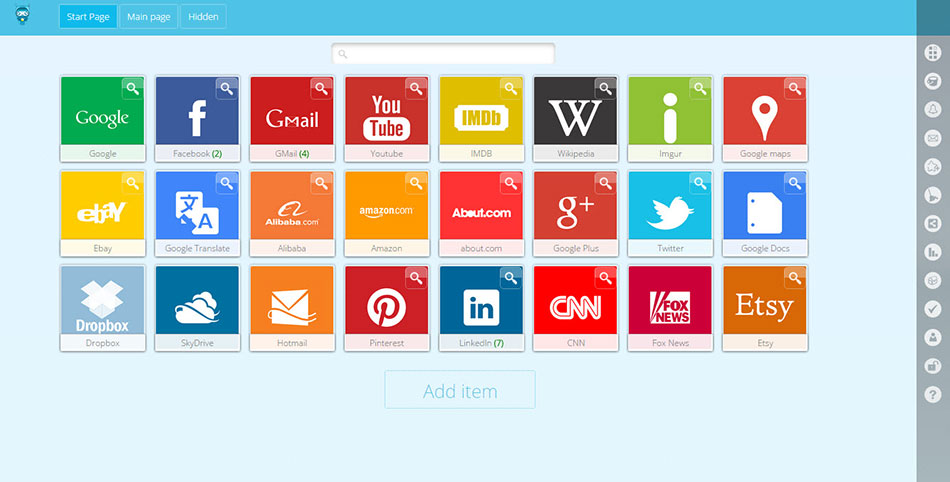
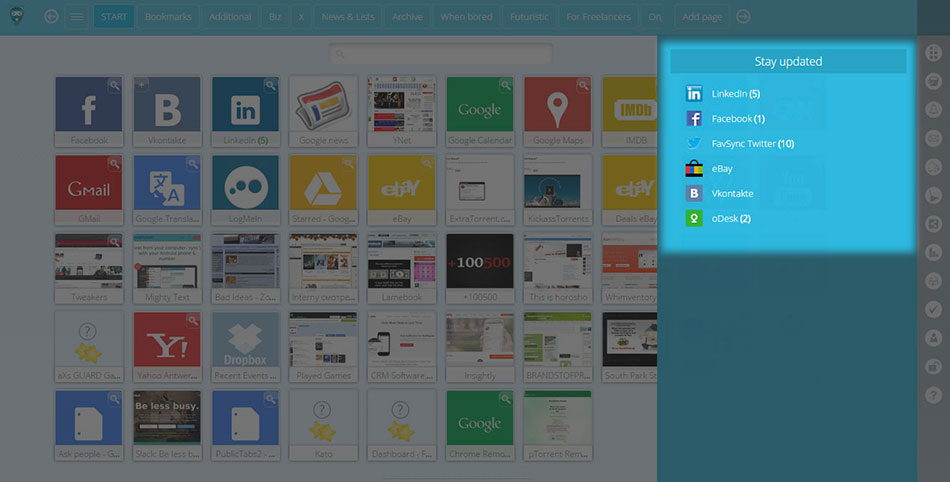
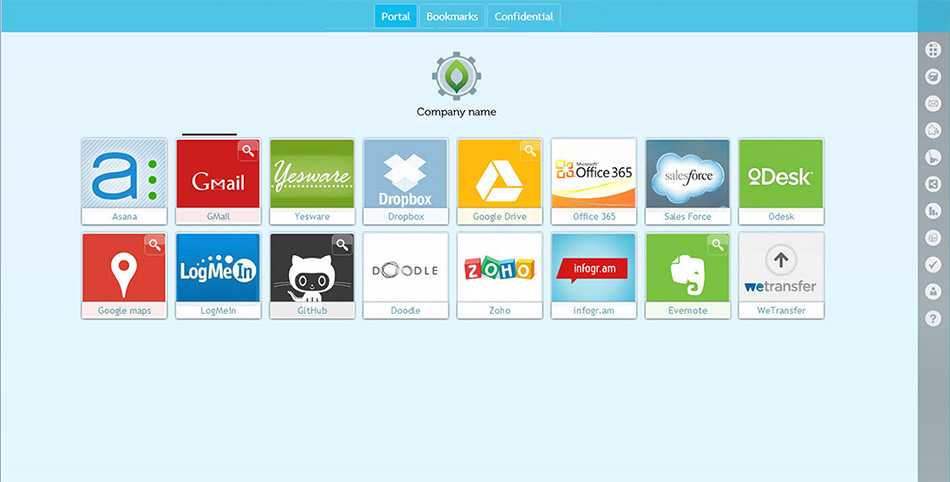
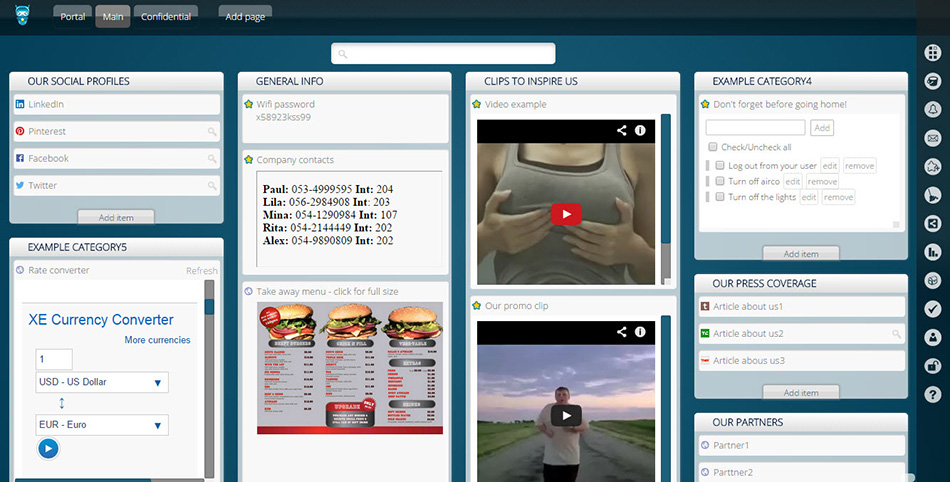
FavSync Portal allows you to collect and store any type of online content and see notifications from all your online services in one place
FavSync Portal is the key to everything you need on the web. Go to FavSync Portal
FavSync Portal is the key to everything you need on the web. Go to FavSync Portal

FavSync Portal Pro
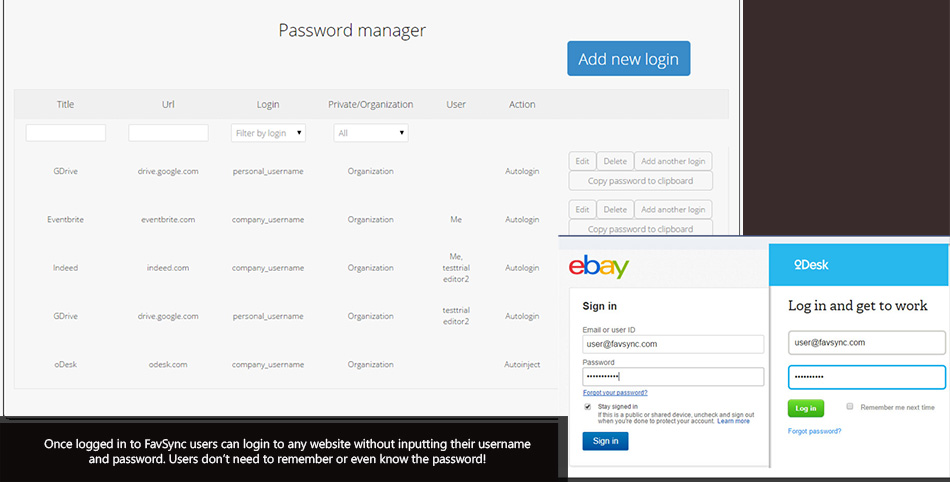
FavSync Pro provides a collaborative portal for your organization with a single sign-on functionality and has the easiest set-up and easiest to manage
Go to FavSync Pro

FavSync Portal Public
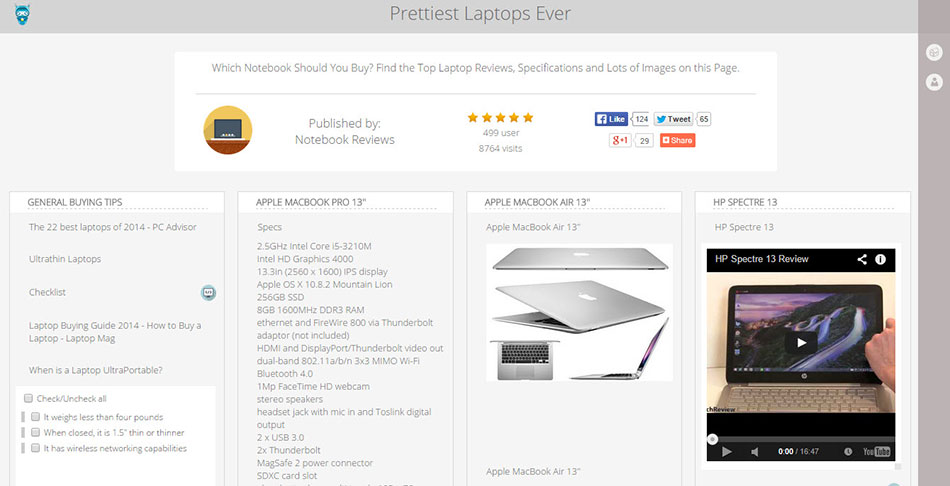
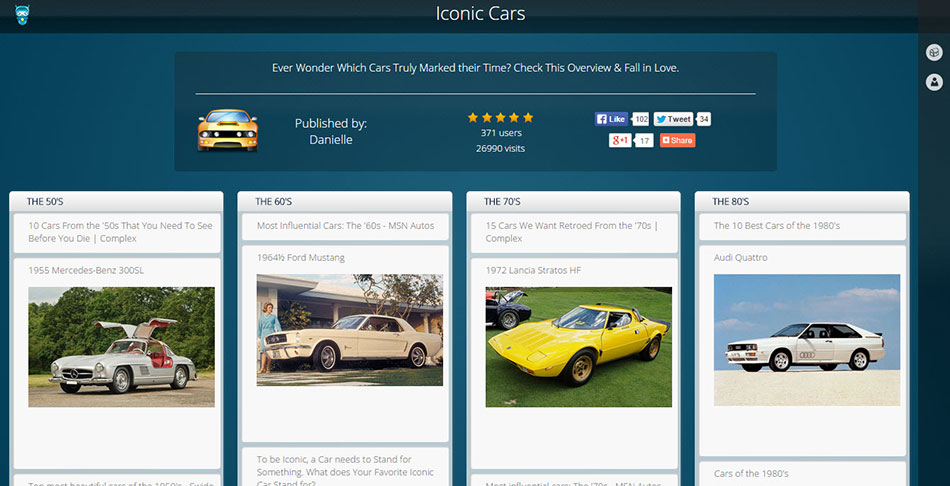
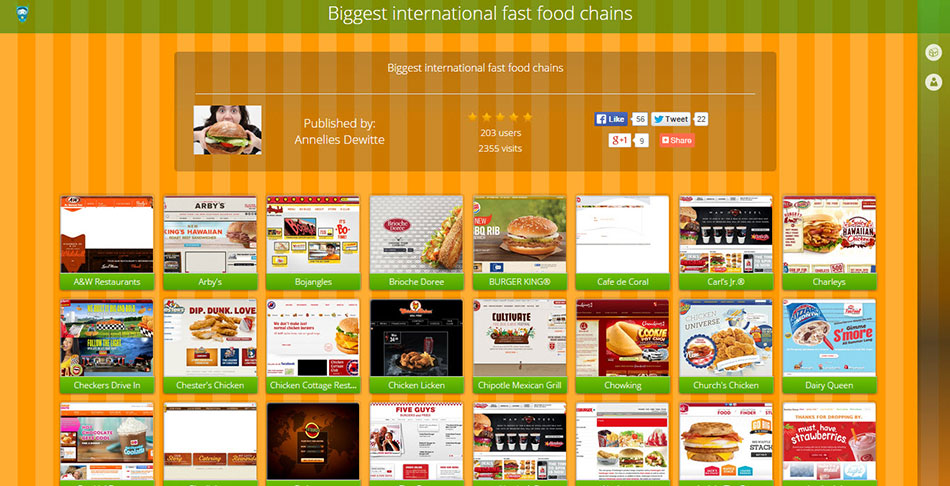
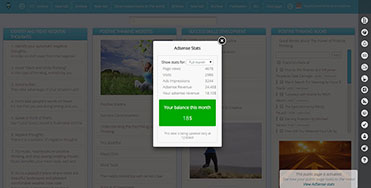
FavSync Public allows you to easily collect and publish quality content on the web for yourself, for promoting your brand and website or to earn money
Go to FavSync Public

FavSync Portal Hidden
FavSync Hidden allows you to collect, encrypt and hide your sensitive content in the cloud
Go to FavSync Hidden
Go to FavSync Hidden
Frequently asked questions
Can I change from one portal to another later?
Yes, all the portals are based on the same functionality, so you can use functionality of one portal on another.
Do I need any technical knowledge?
No technical knowledge is required. We have an extensive knowledge base and hints that will guide you along the way.